For Users

Safety Center

Reler is intentionally designed around safety. Here, you’ll find clear guidance on how to stay safe while using Reler, as well as learn about the steps we take — such as age verifying 100% of users — to protect our community every step of the way.
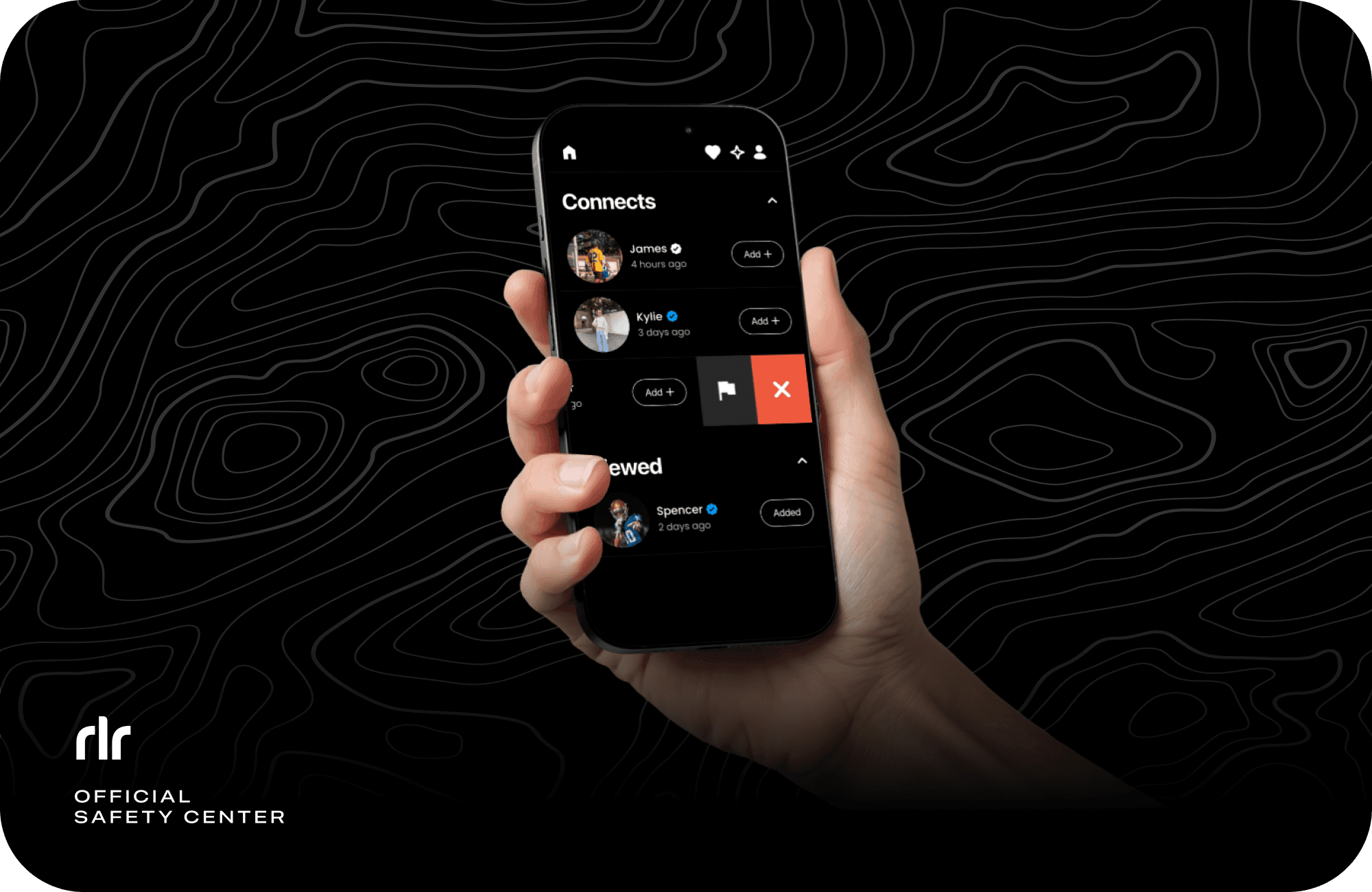
How to Use Reler Safely

How to Use Reler Safely

Everyone on Reler is age-verified.
  • Before anyone can use Reler, they must pass AI-Based Age Verification powered by Yoti — the same age verification system used by Instagram and Facebook. It is just a selfie, the image is not stored, and not able to identify the user personally. Read more about Yoti here.

But the Verified Checkmark = real social trust.
  • The Verified badge means the user has also been confirmed by their real-life friends on Reler.
    Think of it like a “this person is actually goes to this school” signal.
    Prioritize connecting with Verified profiles.

Smart things to remember while using Reler:
  1. Be real. Use your actual grade, school, and photos. It keeps the community safe.

  2. Keep your profile respectful. No weird pictures or bios. We encourage users to report profiles that they think could violate our guidelines.

  3. Your choice. Just because you liked each other's profiles doesn't mean you owe anyone an add or an add-back.

  4. Check the badge. If someone isn’t Verified, it means they haven't been confirmed by anyone from their school.

  5. Trust your instincts. If something feels off — report. Reler's United States-based Trust & Safety team reviews every report thoroughly.

How We Keep You Safe on Reler

How We Keep You Safe on Reler

100% User Age Verification
  • Before anyone can use Reler, they must pass AI-Based Age Verification powered by Yoti — the same age verification system used by Instagram and Facebook. It is just a selfie, the image is not stored, and not able to identify the user personally. Read more about Yoti here.

School Verification (peer-to-peer checkmark)
  • Users can verify peers from their school using unique multi-digit codes. When a user enters a peer's code, we cross-check their school data, and if they match, both users receive one (1) Friend Verification each. Users can verify with up to five (5) peers. The Verified Checkmark is intended to add an extra layer of trust. It means the user has been confirmed by real-life peers from their school in the app — not just by a system.

School Verification (school-issued email)
  • Soon-to-be mandatory school verification measure, utilizing school-issued email addresses and authentication codes. Currently in development and estimated to arrive in early 2026.

No Private Messaging
  • Reler doesn’t have private DMs.

    Instead, you can choose to add someone on social media only when you want to.

Content Moderation
  • Photos and bios are reviewed upon upload using Google's Vision AI moderation technology.

    If something isn’t okay, it's blocked — repeated blocks result in an account flag that is then reviewed by our in-house Trust & Safety team.

In-App Popups
  • We show in-app popups to remind users how to use the app safely, and to encourage them to use available safety tools — such as our Report button — if needed.

User Report System
  • Users can report a profile in just two taps, and are encouraged to do so if they think it could violate our guidelines.

U.S. Human Moderation
  • Our in-house Trust & Safety team reviews reports and flagged profiles promptly and takes action as appropriate.

100% User Age Verification
  • Before anyone can use Reler, they must pass AI-Based Age Verification powered by Yoti — the same age verification system used by Instagram and Facebook. It is just a selfie, the image is not stored, and not able to identify the user personally. Read more about Yoti here.

School Verification (peer-to-peer checkmark)
  • Users can verify peers from their school using unique multi-digit codes. When a user enters a peer's code, we cross-check their school data, and if they match, both users receive one (1) Friend Verification each. Users can verify with up to five (5) peers. The Verified Checkmark is intended to add an extra layer of trust. It means the user has been confirmed by real-life peers from their school in the app — not just by a system.

School Verification (school-issued email)
  • Soon-to-be mandatory school verification measure, utilizing school-issued email addresses and authentication codes. Currently in development and estimated to arrive in early 2026.

No Private Messaging
  • Reler doesn’t have private DMs.

    Instead, you can choose to add someone on social media only when you want to.

Content Moderation
  • Photos and bios are reviewed upon upload using Google's Vision AI moderation technology.

    If something isn’t okay, it's blocked — repeated blocks result in an account flag that is then reviewed by our in-house Trust & Safety team.

In-App Popups
  • We show in-app popups to remind users how to use the app safely, and to encourage them to use available safety tools — such as our Report button — if needed.

User Report System
  • Users can report a profile in just two taps, and are encouraged to do so if they think it could violate our guidelines.

U.S. Human Moderation
  • Our in-house Trust & Safety team reviews reports and flagged profiles promptly and takes action as appropriate.

Safety Board

Safety Board

Coming soon — we are in the early stages of assembling a board of accredited safety experts to help guide and strengthen our safety strategy.

Coming soon — we are in the early stages of assembling a board of accredited safety experts to help guide and strengthen our safety strategy.

Contact Our Trust & Safety Team

If you have any questions or concerns regarding our safety measures or how we keep users safe, please contact us at: safety@reler.app

Contact Our Trust & Safety Team